I build tools people trust with their screen time.
ResistGate and Amethyst are live on the Chrome Web Store, and both keep what they track inside your browser. I built both alone, from the first commit through store review and every update since.
Latest

Need a Chrome extension or an app built? Projects start at $2,000, and I reply within 24 hours. Send a project brief
Three builds and the decisions behind them
ResistGate
You open a site “for one second” and lose an hour. ResistGate makes you type a short passage before the site loads, so the reflex has to become a decision.
- My role
- Built it alone: the service worker, blocking rules, typing challenge, and local settings.
- The hard part
- Stored when each access window expires and reconciled Chrome alarms against it, so blocking recovers after the service worker restarts.
12 weekly users, mostly in India, Brazil, and the US · a 5★ rating on the Chrome Web Store
Amethyst
Eight hours in the browser and no idea where they went. Amethyst counts only the time you actively spend on each site and keeps the whole history on your computer.
- My role
- Built it alone: active-time tracking, the local data store, the dashboard, and CSV export.
- The hard part
- Chrome can miss the focus-lost event when you switch apps on macOS, so every save re-checks which window has focus before it records any time.
Tracks only active time. Nothing ever leaves your browser.
Real-Time Chess
For teams hiring realtime and backend engineers. Two browsers have to agree on every move, even when one lags, so the server checks each move before broadcasting it and the boards never drift apart.
- My role
- Built the React client, Socket.IO protocol, and PostgreSQL room storage.
- The hard part
- AI commentary runs only after the server accepts a move, so a slow model never holds up the game.
Other products you can use today
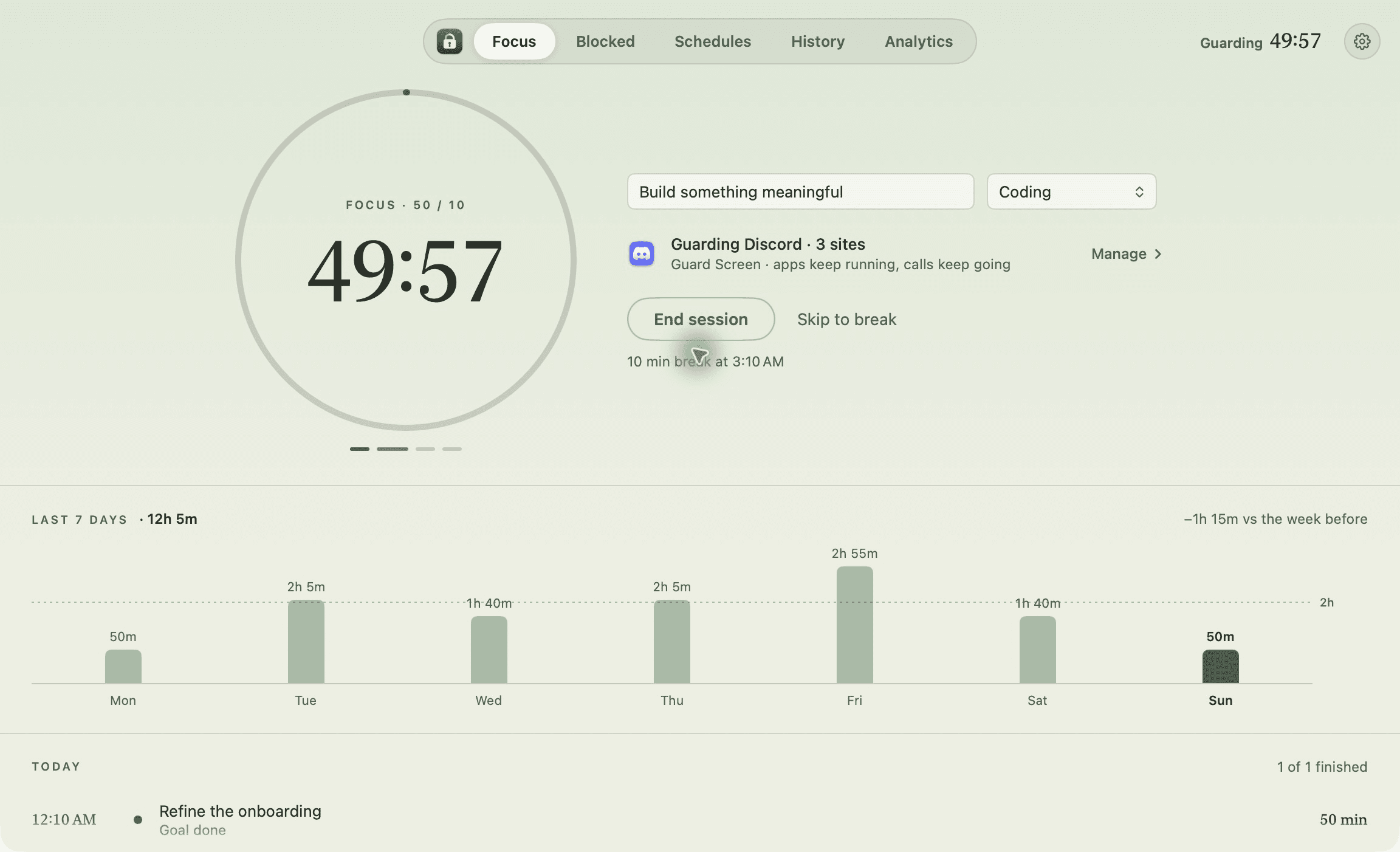
- QuietwhileOn a call with friends, your hand drifts to other apps. Quietwhile blocks them on your Mac so you stay.Active
- noted.The thought is gone before your notes app opens. noted. waits in a side panel next to the page.Active
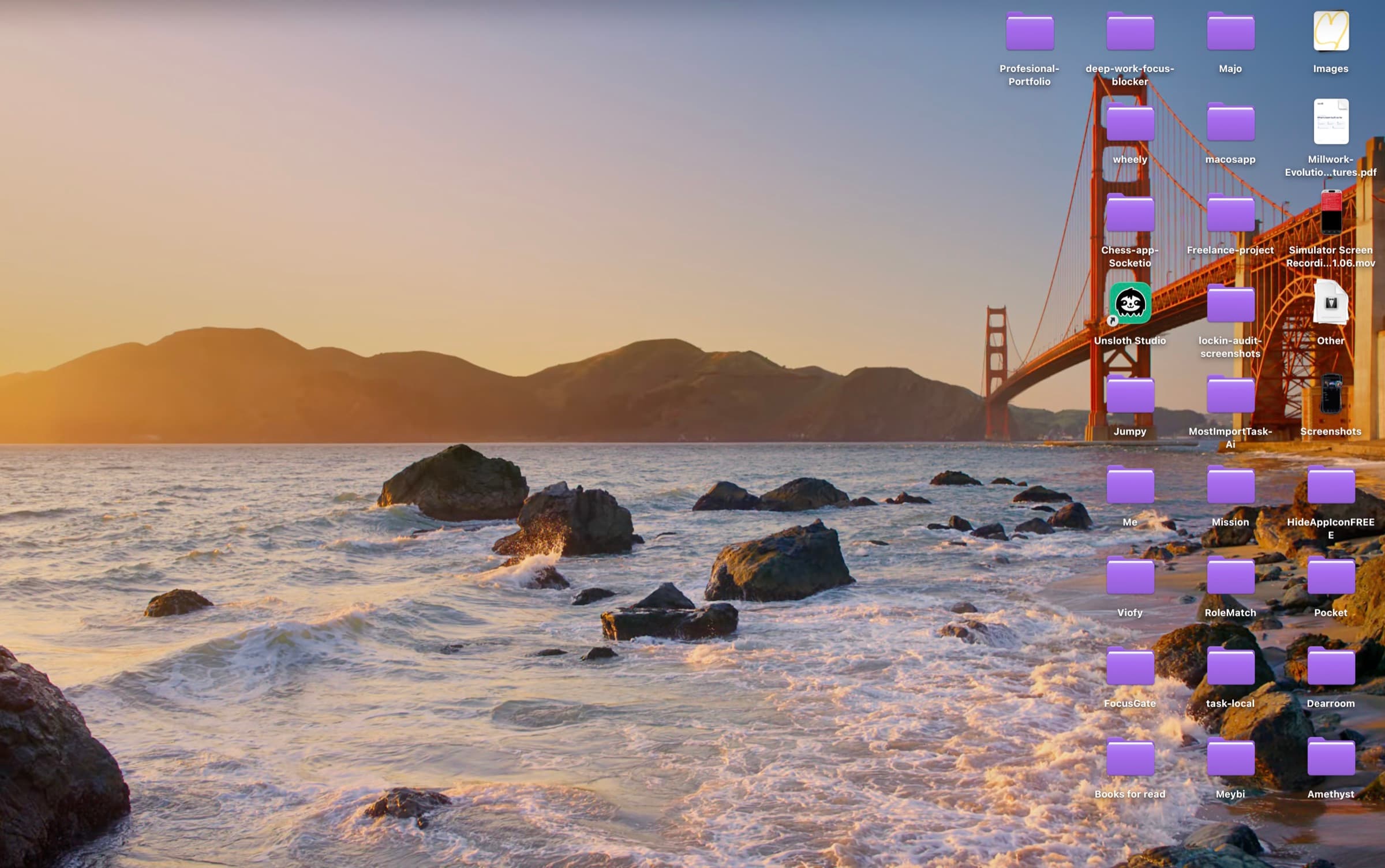
- BareHide your Mac's Desktop icons with one click. Free and open source.Active
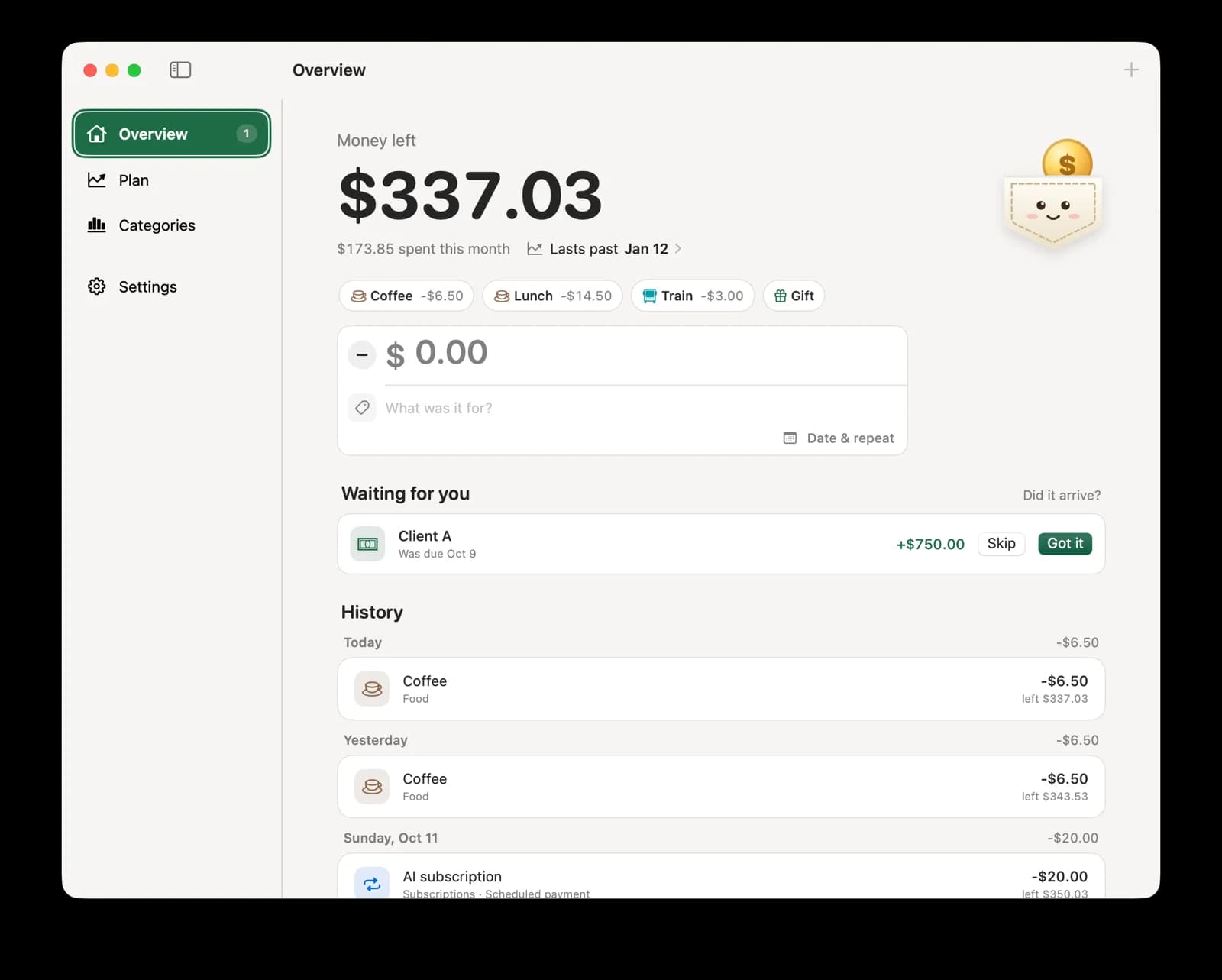
- PocketA free Mac menu bar app that shows how much money you have left.Active

Notes on what I build and what breaks
- Mac guides
Bare vs HiddenMe vs One Switch: Mac Desktop icon tools compared
Compare Bare, HiddenMe, One Switch, and macOS settings for hiding Desktop icons. A sourced comparison of scope, cost, selective hiding, and where each option fits. - Mac guides
How to hide Desktop icons on Mac: settings, Bare, and Terminal
Hide Mac Desktop icons without deleting files. Compare built-in settings, Bare's menu bar toggle, Finder's disk settings, and Terminal, with steps to show everything again. - Mac guides
How to hide screenshots on your Mac Desktop and keep folders visible
Keep Mac screenshots out of sight without hiding your project folders. Use Bare's screenshot-only preset, change the save location, or capture to the Clipboard.